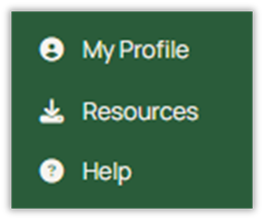
Selecting “My Profile" in the lefthand panel will open the My Profile page.
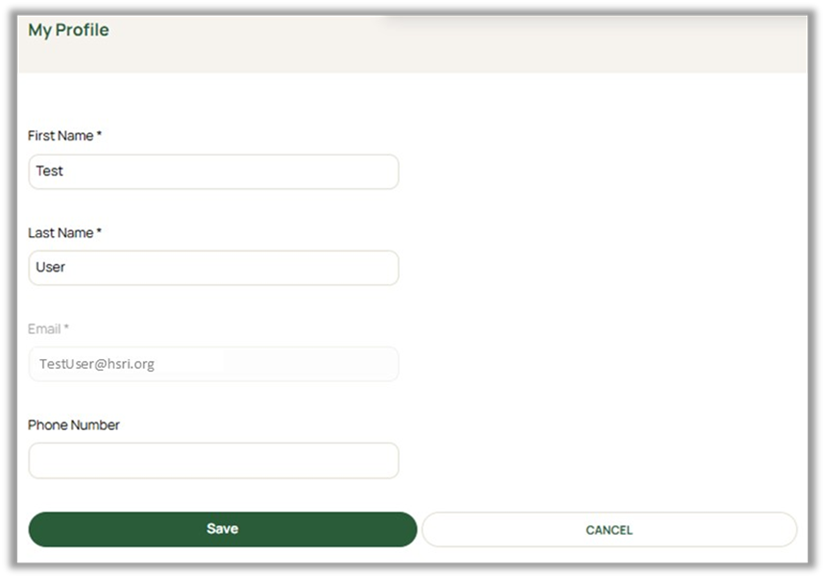
Users can edit their first and last names here, as well as add a phone number to receive multi-factor authentication (MFA) codes via mobile device. The email address cannot be changed, as it is the unique identifier for the ODESA account.
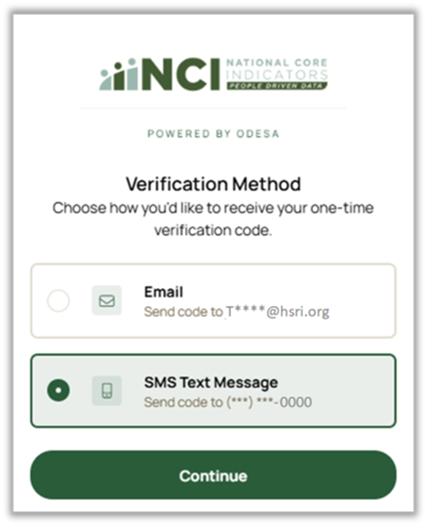
Once a phone number is saved to your profile, upon the next login, the system will prompt you to select whether you would like the authentication code to be sent via email or SMS text message.
Was this article helpful?
That’s Great!
Thank you for your feedback
Sorry! We couldn't be helpful
Thank you for your feedback
Feedback sent
We appreciate your effort and will try to fix the article